Getting Started with UNCEN.AI
AI-generated videos, images, and music — from a single prompt to a finished short film. Here's a quick visual tour of how it works.
Create assets from your terminal
Use any local game folder or coding agent. Create images, music, 3D models, speech, sound effects, and video.
Install and use the asset CLIHow It Works
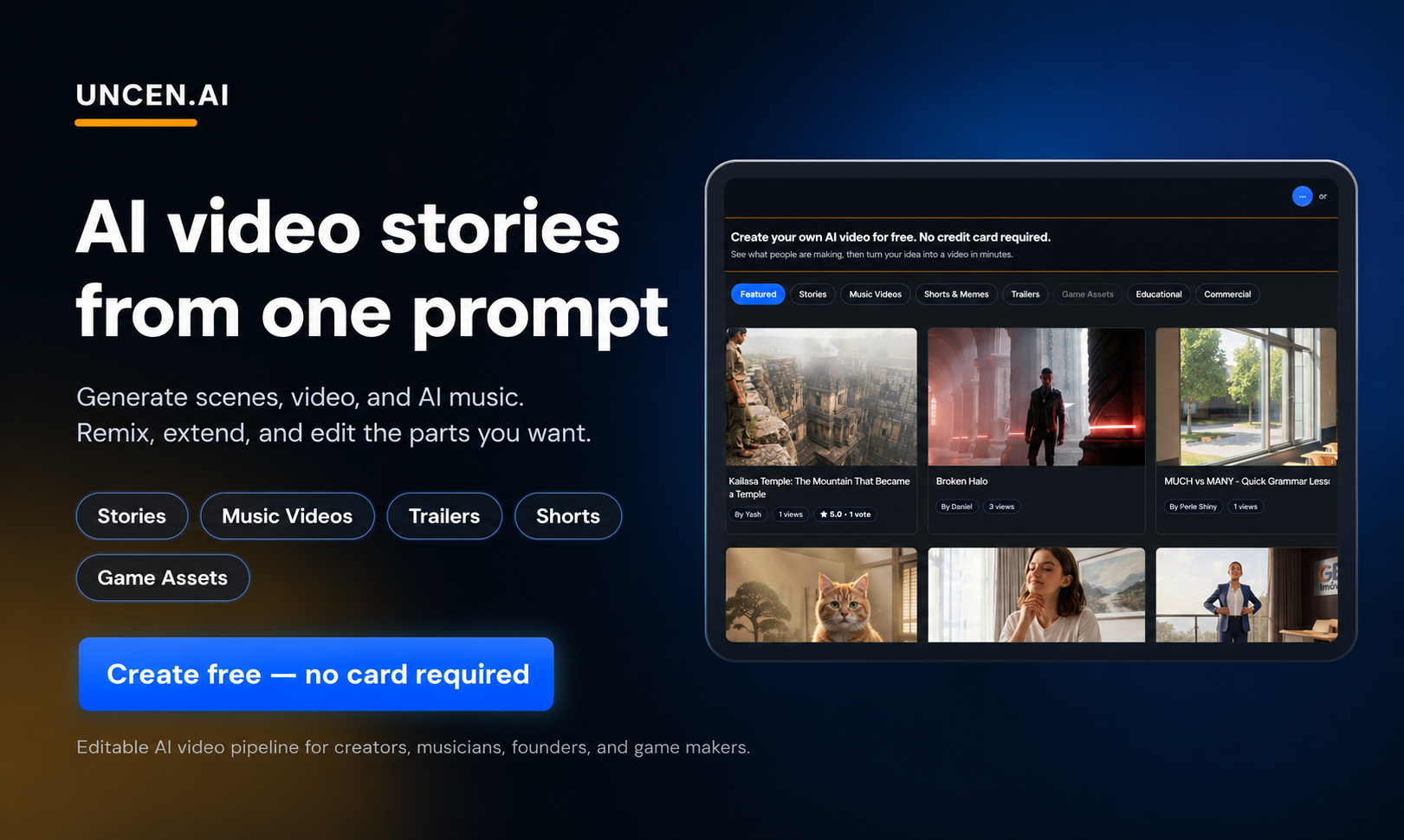
Overview — what UNCEN.AI does in one picture
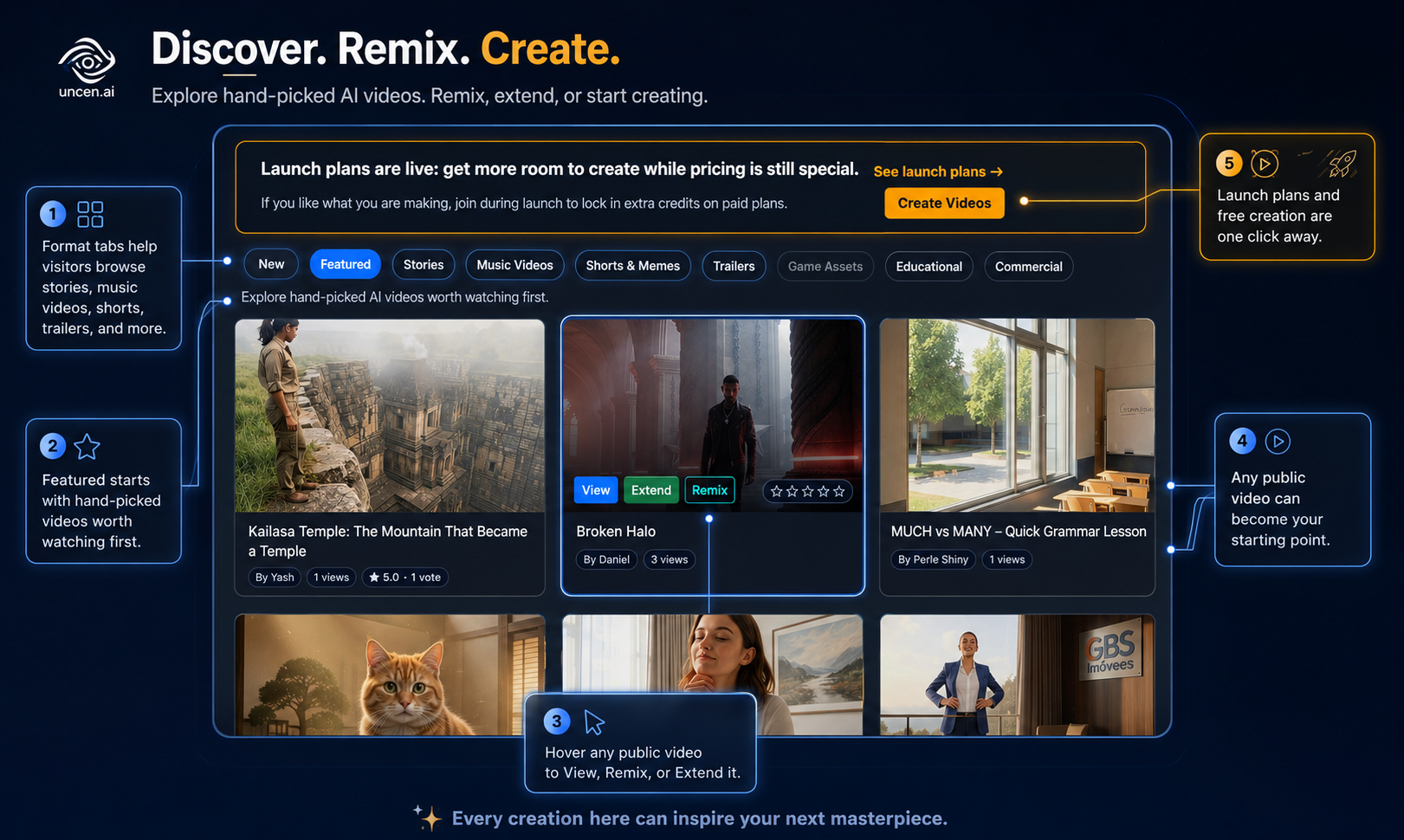
The public gallery — browse community-created videos
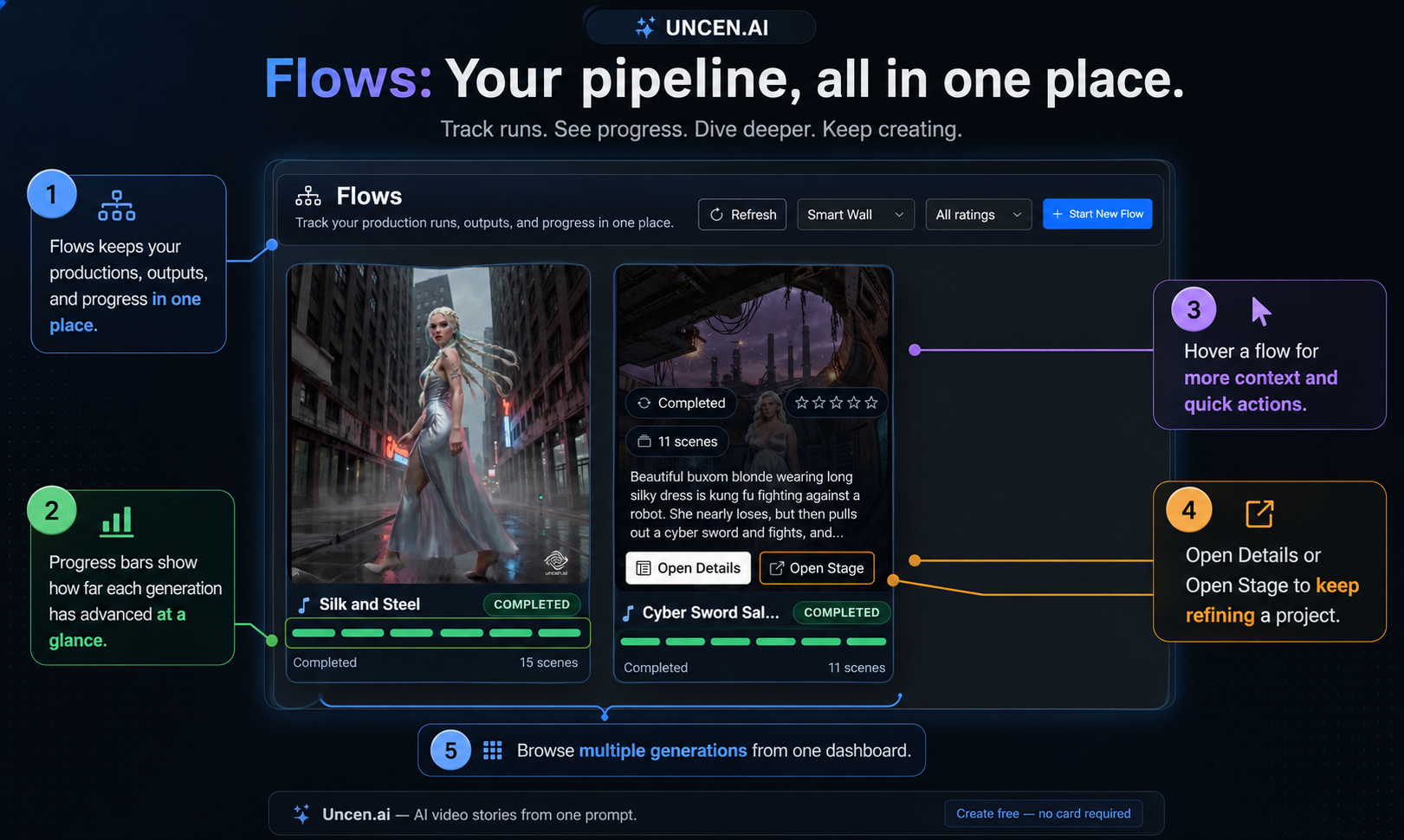
Flows — launch an AI pipeline that generates every asset automatically
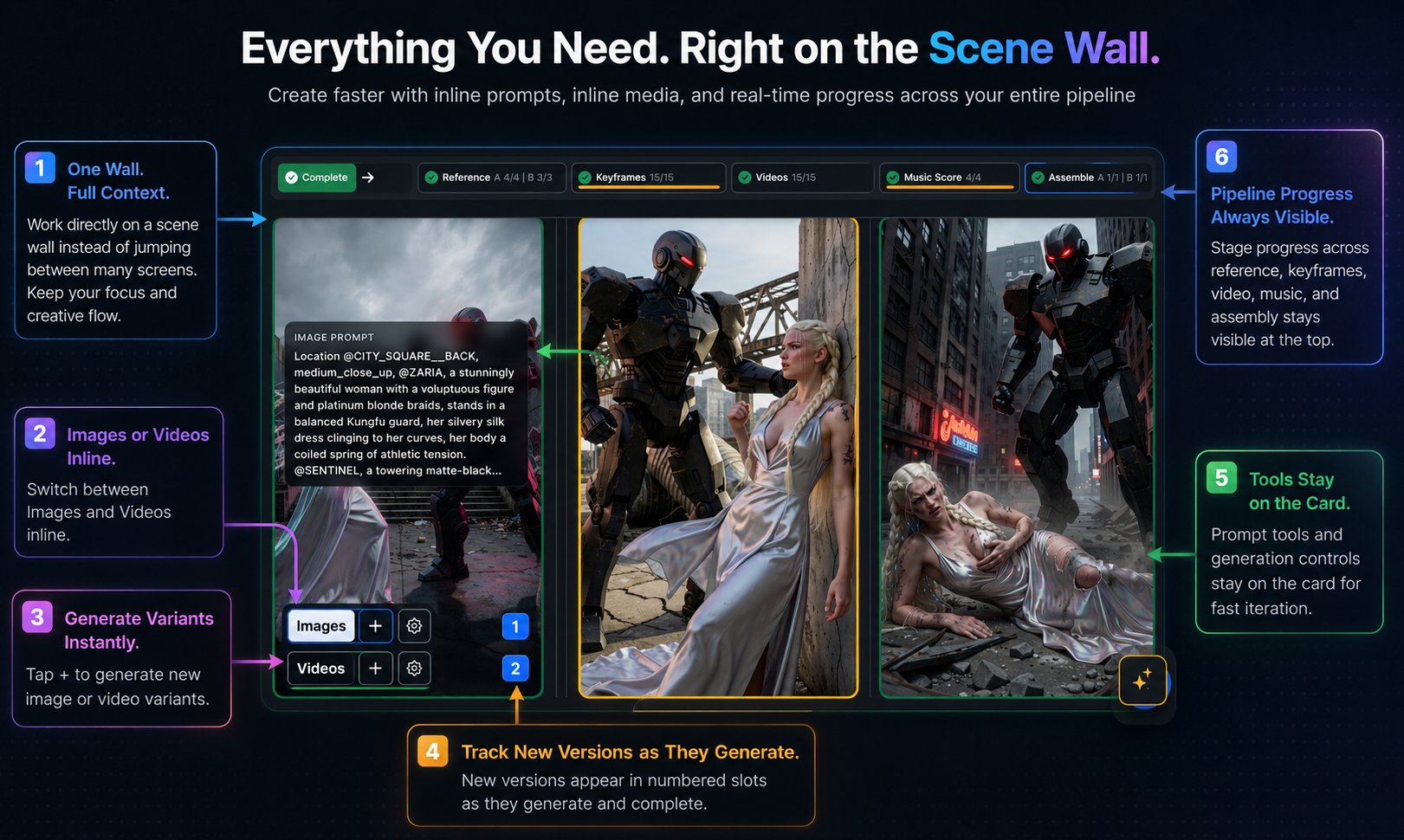
Scene details — inspect and regenerate individual scenes
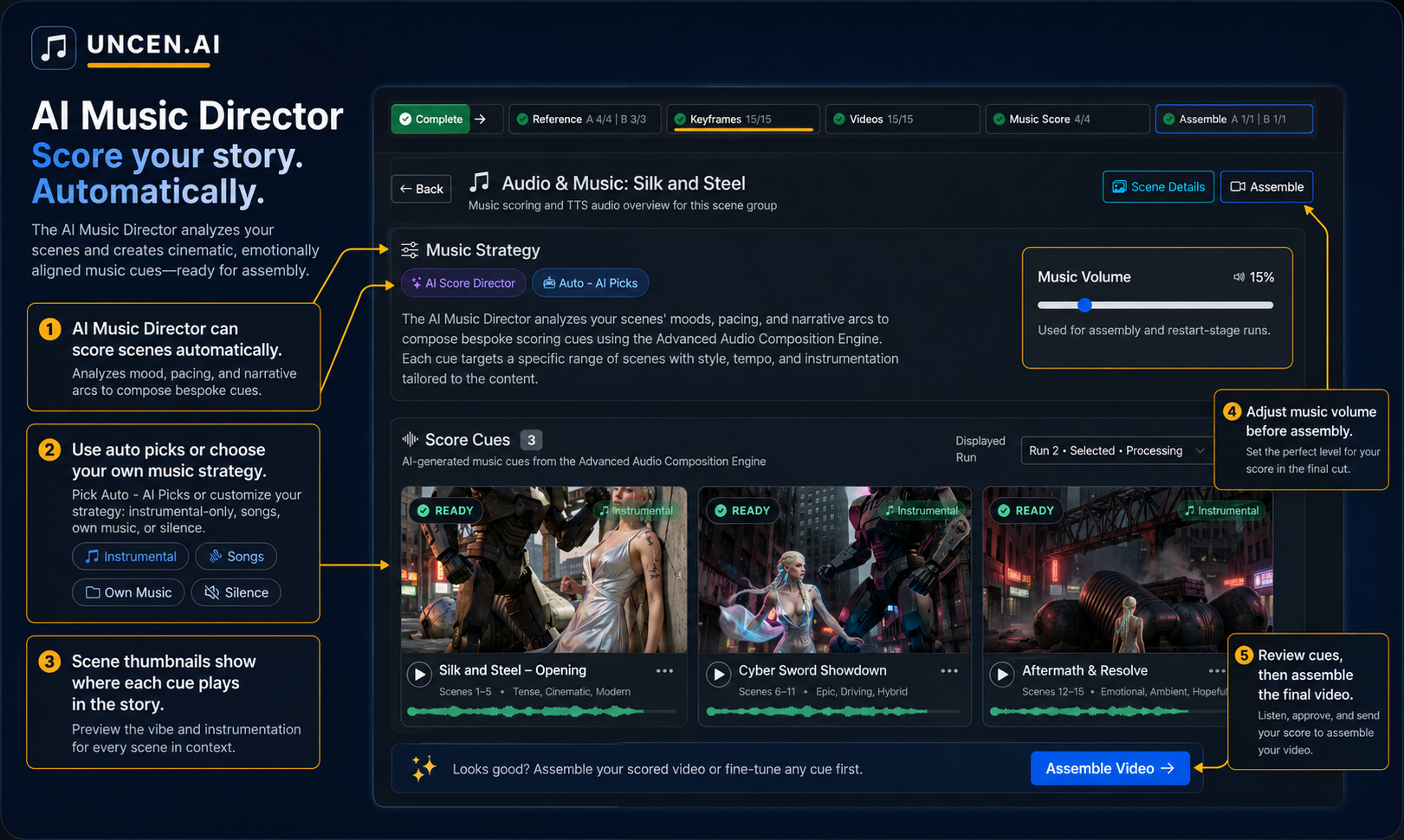
Music Director — AI scores custom music cues for each scene
Quick Start
- Go to Flows and click New Flow
- Enter a short story or video concept — a sentence is enough
- Pick a visual style, then hit Launch
- Watch the pipeline run: scenes → images → video clips → music → final assembly
- Download or share your finished video from the Scenes page
Each step can be individually inspected and regenerated. You can also skip stages (e.g. bring your own music) or re-run just a single scene.
Community & Support
Have a bug or feature request? Drop it in #feedback on Discord — it's the fastest way to reach the team.